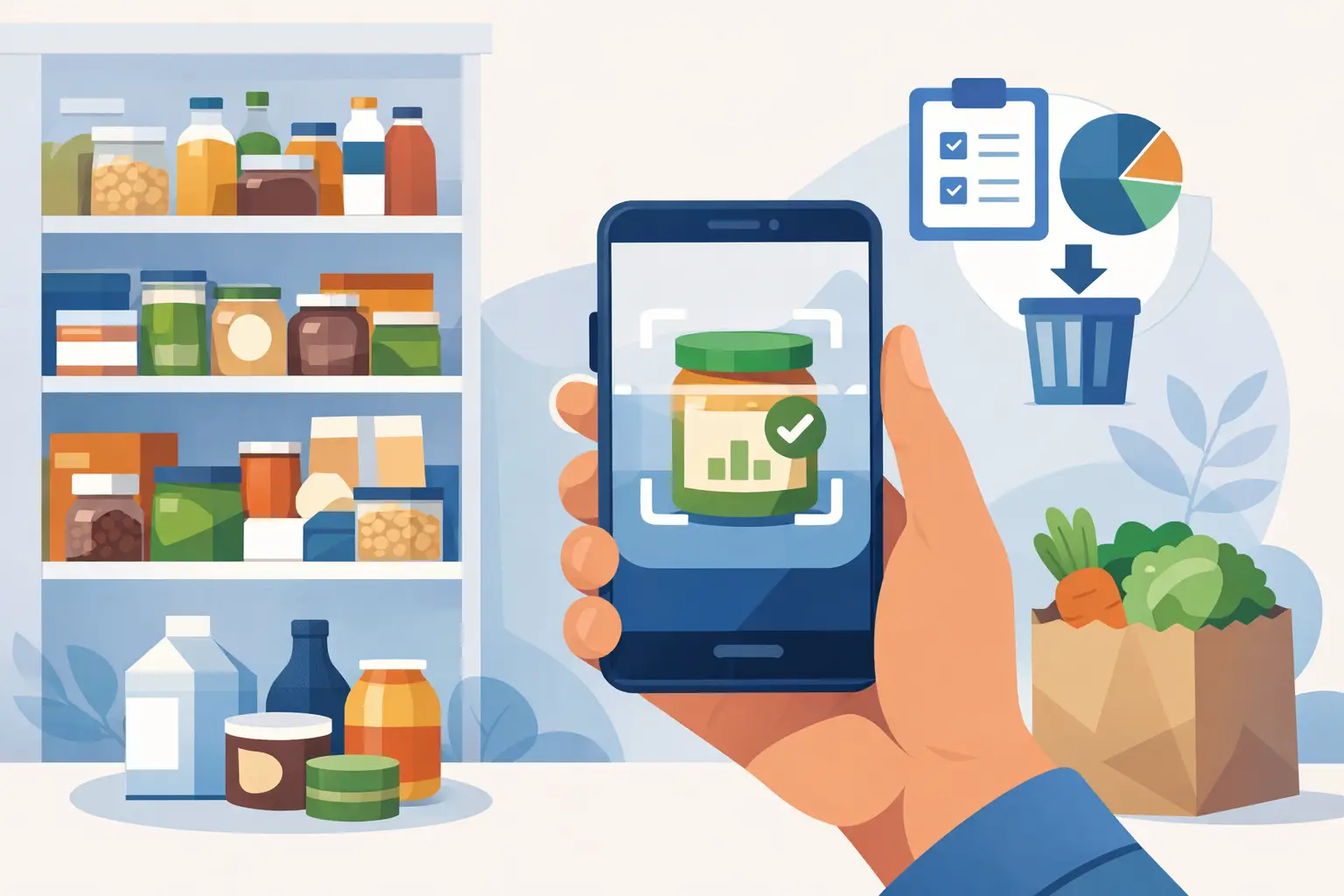
The bag of spinach behind the yogurt is not a planning failure. It is what happens when grocery shopping, work, leftovers, and dinner decisions all compete for attention. Pantry scanner apps help close that gap by turning the food you already own into a visible, usable list - and, in the best cases, into meal ideas before ingredients spoil.
For busy home cooks, the appeal is simple: less guessing, fewer duplicate purchases, and a faster answer to “what can I make tonight?” But not every app that scans food solves the same problem. Some are mainly inventory trackers. Others focus on expiration reminders, grocery lists, or recipes. The right choice depends on the kitchen friction you want to remove.
What pantry scanner apps actually do
Most pantry scanner apps let you add food by scanning a barcode, photographing a receipt, searching a product database, or entering an item manually. The app then creates a digital inventory that may include quantity, storage location, purchase date, and an estimated expiration date.
That inventory can be useful on its own. Checking the app before a grocery run can prevent buying another jar of pasta sauce when two are already in the cabinet. A reminder can bring a container of cooked rice or a carton of berries back into view before it becomes a science experiment in the fridge.
The more useful apps take the next step: they connect inventory to cooking. Instead of simply telling you that you have chickpeas, carrots, and tortillas, they suggest practical ways to use them. This ingredient-first approach matters because a perfect pantry list does not automatically solve dinner.
There is a trade-off. Scanning a barcode is quick for packaged food, but it is less helpful for loose produce, leftovers, bakery items, and food transferred into containers. Apps that make manual entry and flexible ingredient input easy tend to work better in real kitchens, even if they are not fully automated.
Where a pantry scanner app earns its place
A good app should save more effort than it asks from you. If adding a few groceries feels like bookkeeping, the habit will fade after a week. The most practical use cases are usually these:
- Keeping refrigerator and freezer items visible, especially produce, dairy, leftovers, and opened packages.
- Flagging food that should be used soon, based on a date you set or a reasonable estimate.
- Creating a grocery list from what is running low instead of from memory.
- Suggesting meals from ingredients on hand, with room for substitutions.
- Sharing a household inventory so roommates, partners, or family members can see what is available.
These features reduce different kinds of waste. Expiration tracking helps prevent spoilage. Inventory visibility limits duplicate purchases. Recipe suggestions help prevent the quieter kind of waste: perfectly good ingredients that sit unused because no one knows what to do with them.
For many households, the last feature has the biggest payoff. A half onion, a few eggs, wilting greens, and an open bag of shredded cheese are not a recipe search problem. They are an ingredient combination problem. An app that starts with what is in your kitchen can make those odds and ends feel like dinner rather than clutter.
What scanning cannot tell you
Pantry scanner apps can organize information, but they cannot inspect your food. A printed date is not always a safety deadline, and an app-generated expiration date is only an estimate. Food storage, temperature, whether a package was opened, and the item itself all affect how long it lasts.
Use reminders as prompts to check food, not as automatic instructions to throw it away. Look for mold, unusual odors, sliminess, damaged packaging, or other signs of spoilage. When in doubt about a high-risk food, such as raw meat, seafood, or prepared leftovers that have been stored too long, choose safety over saving it.
The same applies to barcode data. Product databases can be incomplete or inaccurate, particularly for store brands and changing package sizes. You may need to adjust an item name, amount, or date. That is not necessarily a flaw. The goal is a useful working picture of your kitchen, not a flawless digital replica of every shelf.
How to choose among pantry scanner apps
Start with the moment you most often get stuck. If you throw away produce because it disappears in the crisper drawer, prioritize expiration reminders and a clear “use soon” view. If you regularly buy duplicates, look for fast barcode scanning, shared lists, and household syncing. If dinner decisions are the issue, choose an app with ingredient-based recipe suggestions rather than a basic inventory tool.
Pay attention to how the app handles fresh food. Packaged pantry staples are easy to scan, but fresh ingredients are where food waste often happens. Can you quickly add “three bell peppers,” “leftover roast chicken,” or “half a bunch of cilantro”? Can you set a custom date without tapping through several screens? Those small details determine whether the app fits your routine.
Also consider how precise you want to be. A detailed system may track units, quantities, locations, dates, and purchases. That can be valuable for a large household or someone who cooks frequently. For one person or a couple, a lighter system that tracks only what needs attention may be more sustainable.
Finally, check the recipe experience. Some apps offer generic recipes that happen to include one ingredient you own. Others are built to surface realistic ideas based on several ingredients in your inventory. The difference is meaningful. A recipe requiring twelve extra items may look good on screen, but it will not reduce tonight’s decision fatigue or tomorrow’s waste.
A low-effort way to make the habit stick
Do not try to scan every item in your kitchen on day one. That turns a helpful tool into a weekend project. Begin with the foods most likely to be forgotten: refrigerated produce, dairy, opened sauces, leftovers, and freezer items with unclear dates.
Then build scanning into two moments you already have. Add groceries when you unpack them, and check the app once before meal planning or shopping. A five-minute weekly review is often enough to spot ingredients that need a plan.
When an item appears in the “use soon” section, give it a job. Roast soft vegetables for soup or grain bowls. Blend ripe fruit into smoothies. Turn herbs into a sauce, dressing, or freezer cubes. Use leftover protein in tacos, fried rice, pasta, salads, or wraps. The meal does not need to be elaborate. It just needs to move food from forgotten to eaten.
This is where a personal kitchen assistant can be more helpful than a static inventory. Quicine is designed around that next decision: using available ingredients to find practical meal options, rather than asking you to start with a recipe and shop for everything it requires.
Better kitchen data, not more kitchen pressure
Pantry scanner apps work best when they support a simple habit: notice what you have before you buy more or decide what to cook. They are not meant to make home cooking feel monitored or perfect. A missed scan, an imperfect quantity, or a dinner made from takeout does not erase the benefit.
Choose an app that matches the way you actually shop and cook. Keep the inventory focused on food that needs attention. Then let the next nearly forgotten ingredient set the direction for dinner. That is often all it takes to cook smarter, spend a little less, and waste less food this week.