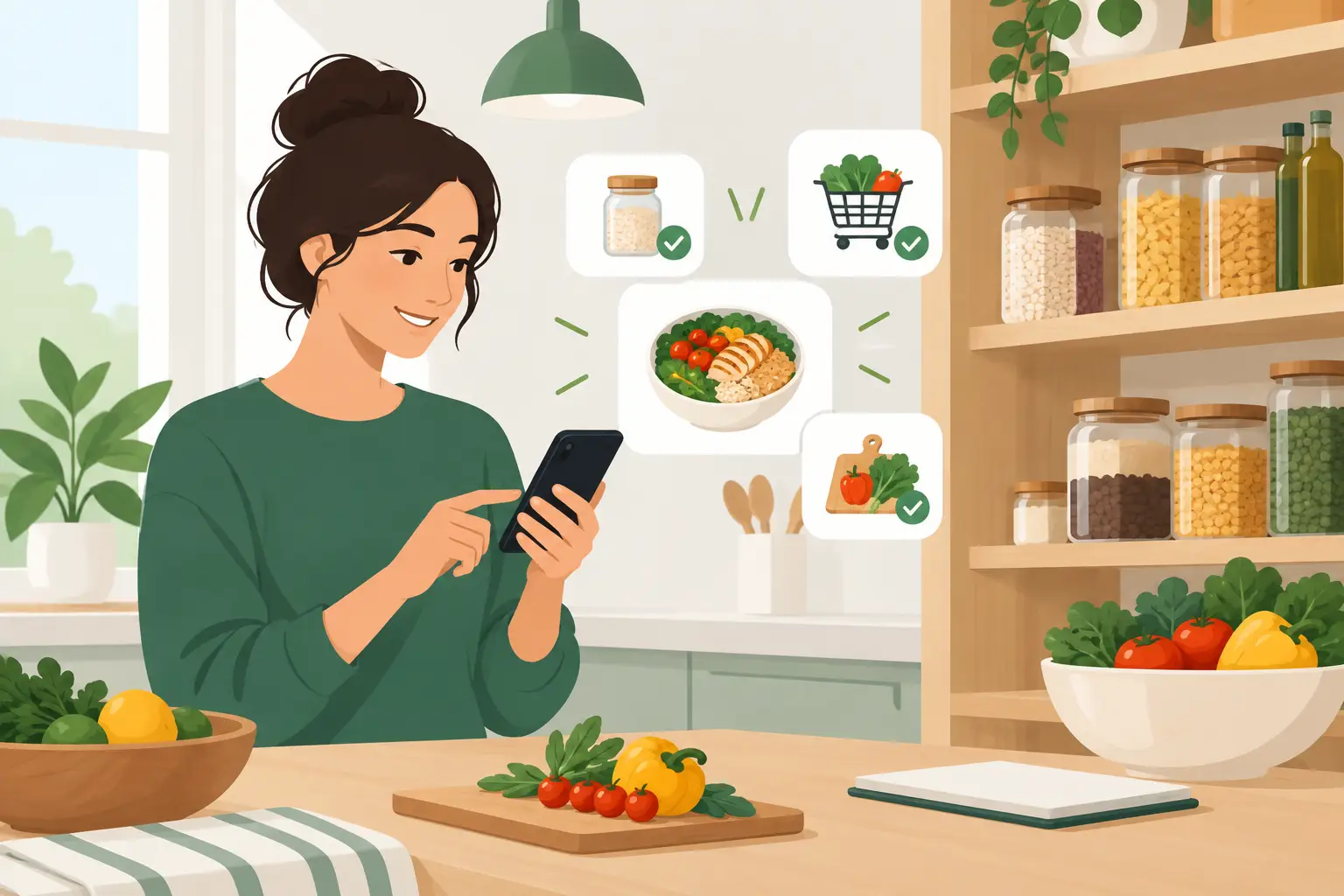
A bag of spinach disappears behind leftovers. Half an onion waits in the crisper drawer. You buy another jar of pasta sauce because you cannot remember whether you already have one. These are small kitchen problems, but they add up to wasted food, extra spending, and another night spent wondering what to make.
That is why pantry app reviews need to go beyond a star rating or a polished screenshot. The best pantry app is not necessarily the one with the longest feature list. It is the one you will actually use when groceries come home, when produce is nearing its best, and when dinner needs an answer in the next 20 minutes.
What pantry apps are designed to solve
A pantry app helps you keep a usable record of the food in your kitchen. Depending on the app, that might include pantry staples, refrigerator items, freezer food, leftovers, expiration dates, shopping lists, recipes, or meal plans.
The appeal is simple: fewer forgotten ingredients and fewer duplicate purchases. But the real value comes from turning that information into a decision. Knowing you have chickpeas, carrots, and rice is useful. Getting a practical idea for dinner that uses those ingredients is more useful.
This is where different apps take different approaches. Some are primarily inventory trackers. Others focus on barcode scanning and expiration reminders. Recipe-focused tools may suggest meals based on ingredients, but offer less detailed inventory management. There is no universal winner because households use their kitchens differently.
Pantry app reviews: what to look for
When reading pantry app reviews, pay attention to how reviewers describe their routine after the first week. Initial setup can make almost any app look helpful. The better question is whether it reduces friction once the novelty wears off.
Fast, flexible food entry
If adding groceries takes too long, even a well-designed app becomes another chore. Barcode scanning can save time for packaged foods, while manual entry matters for produce, bulk items, and leftovers. A strong app should handle both without forcing you to enter excessive details.
Look for flexible quantities, too. Most people do not measure every ingredient with precision. “Half a bell pepper” or “two servings of chili” is often enough to support a useful meal decision. An app that demands perfect records may suit meticulous planners, but it can be a poor fit for a busy family or shared household.
Expiration support that feels realistic
Expiration reminders are one of the most common pantry-app features. They can be valuable, especially for dairy, fresh produce, cooked leftovers, and food bought for a specific recipe.
Still, reminders are only as useful as the dates behind them. Many packaged dates refer to quality rather than automatic spoilage, and fresh food lasts for different lengths of time depending on storage and ripeness. The most helpful tools treat dates as prompts to check and use food soon, not as a reason to throw it away without looking, smelling, or using good judgment.
Reviews that mention customizable reminders are worth noting. A reminder two days before food is likely to decline gives you time to plan, while a notification after the fact does not change much.
Ingredient-first meal ideas
This feature often separates a digital grocery list from a true kitchen assistant. Recipe suggestions should start with what you have, not send you shopping for a long list of extras.
The best suggestions also account for imperfect matches. If you have broccoli instead of green beans, or Greek yogurt instead of sour cream, a useful app should help you make a sensible swap. Home cooking is rarely exact. It works better when the tool respects that reality.
For people trying to reduce waste, prioritize apps that make soon-to-use ingredients visible in meal ideas. Quicine is built around this ingredient-first approach, helping turn available food into practical cooking options rather than treating your pantry as a static checklist.
Shared access for real households
A pantry app can work well for one person and fall apart when two or more people buy groceries. If you live with a partner, roommates, or family, shared lists and synced inventory can matter more than advanced recipe filters.
Read reviews for clues about sync delays, duplicate entries, and permission settings. A shared pantry only saves money when everyone can see what is already at home before they shop. For families, it also helps to choose an app that is simple enough for more than one person to maintain.
Useful shopping lists, not more notifications
A good app connects the kitchen to the grocery store. When you use the last can of tomatoes or finish the oatmeal, adding it to a shopping list should be quick. Some people prefer automatic low-stock alerts. Others find them annoying, particularly when quantities are not tracked closely.
This is an area where simpler can be better. If your household shops once a week, a clean running list may do more for you than constant alerts. If you shop in small trips several times a week, inventory-based prompts could be worth the extra setup.
Common trade-offs in pantry apps
No app handles every kitchen habit perfectly. More automation may mean more access to your purchase history or more time spent confirming entries. Detailed tracking can create better reminders, but it also requires regular updates. Recipe discovery can inspire you, but it may feel less useful if suggestions do not account for dietary needs or cooking skill.
Free versions are another practical consideration. Many apps offer basic lists or a limited number of pantry items at no cost, then charge for barcode scanning, shared households, recipe tools, or unlimited inventory. Before paying, test the feature you expect to use most. If you mainly want help using produce before it wilts, a premium grocery-budget dashboard may not be the feature that earns its keep.
Also consider how much food you keep on hand. A student in a small apartment may need a quick leftovers reminder and a few flexible meal ideas. A family that shops in bulk may benefit more from freezer tracking, shared lists, and item quantities. The right app should match the complexity of your kitchen, not add to it.
How to test an app before committing
Use a short, realistic trial instead of attempting to catalog every item you own on day one. Start with the foods most likely to be wasted: produce, dairy, opened sauces, deli items, and cooked leftovers. Add a few pantry basics that shape meals, such as beans, pasta, rice, canned tomatoes, and broth.
Then use the app during three ordinary moments: after a grocery trip, while planning dinner, and before shopping again. Notice whether it answers a useful question quickly. Can you see what needs attention? Can you find a meal that uses it? Can you avoid buying something you already have?
If the answer is no, do not assume you failed at the system. The system may simply ask for more maintenance than it gives back. A helpful kitchen tool should create a lighter routine, not a new administrative task.
Signs an app is helping you waste less
The clearest results may not look dramatic. You might use the last of a bag of carrots in soup instead of finding them limp a week later. You might turn leftover chicken into lunch rather than ordering takeout. You might stop buying a third bottle of soy sauce.
Those small wins matter because food waste is usually not caused by one big mistake. It comes from small gaps between shopping, storing, remembering, and cooking. A pantry app can close those gaps when it fits naturally into the way you already live.
Choose the tool that makes your next meal easier, not the one that makes managing food feel like a second job. A few minutes of awareness can turn overlooked ingredients into dinner and make a less wasteful kitchen feel pleasantly ordinary.